Integrate permission requests in your strategy.
App would like to access your locations / app would like to access your contacts / app would like to access your camera
We can all show hesitation when it comes to permissions...for many reasons, here are some:
Some designers (including myself, a while back) didn't even think about the permissions, we just put them in a box in our heads called "sounds technical, the developer will deal with this".
It is true, the developer will deal with this, but not from a user experience perspective.
Probably the worst case scenario is to have permission requests placed before even onboarding.
While there are no universal rules on placement, they should be placed in CONTEXT, when the task in hand requires it.
While there are no universal rules on placement, they should be placed in CONTEXT, meaning when the performed task actually requires it.
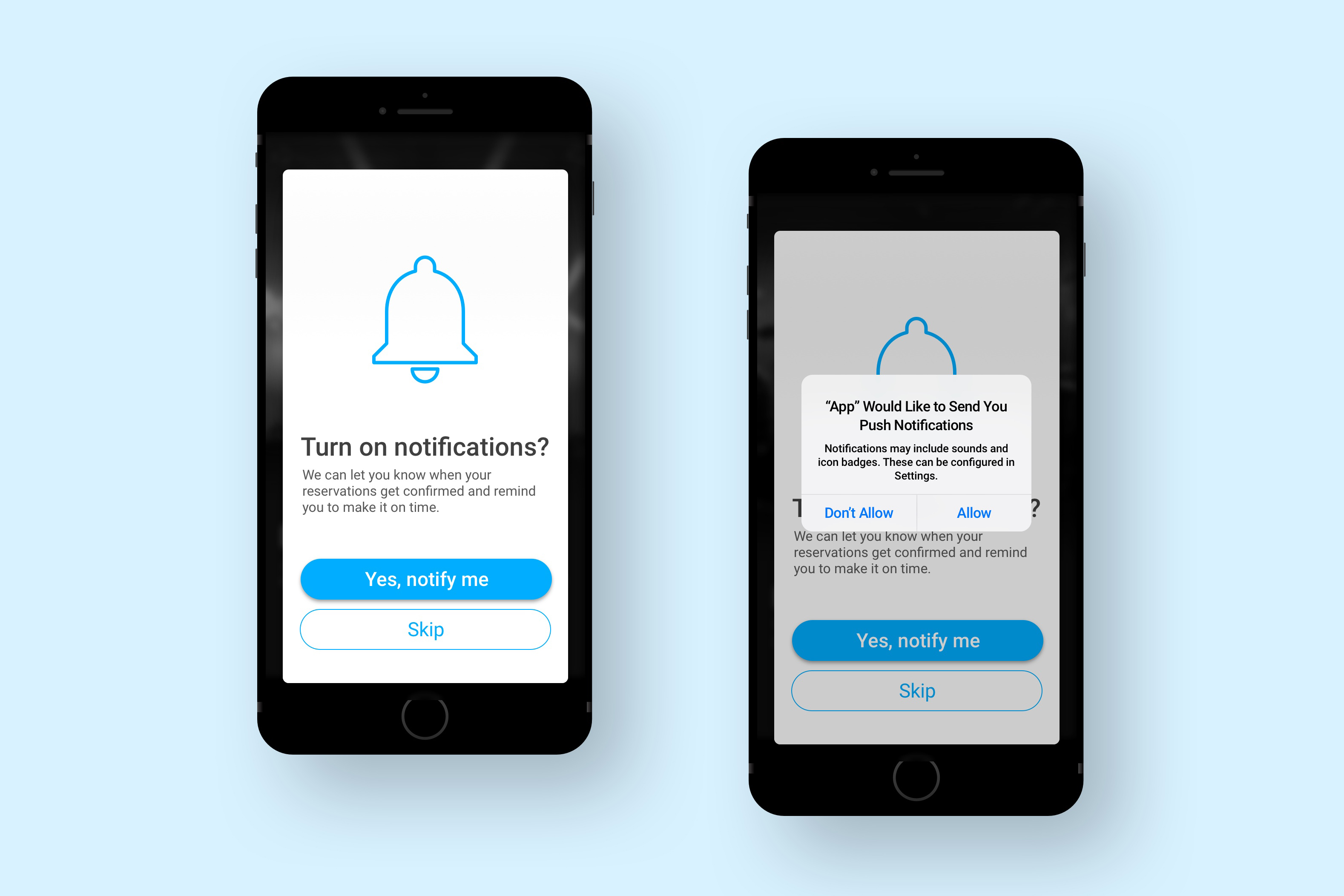
Well designed apps usually have a custom permission screen right before having the system dialog pop up, not only because it makes it feel more coherent visually, but also because it serves as a primer before the system dialog pops up.
Technically, if a user denies a system permission, it is very hard to reverse that - so one extra step to "prime" the user into accepting is 100% a good idea.
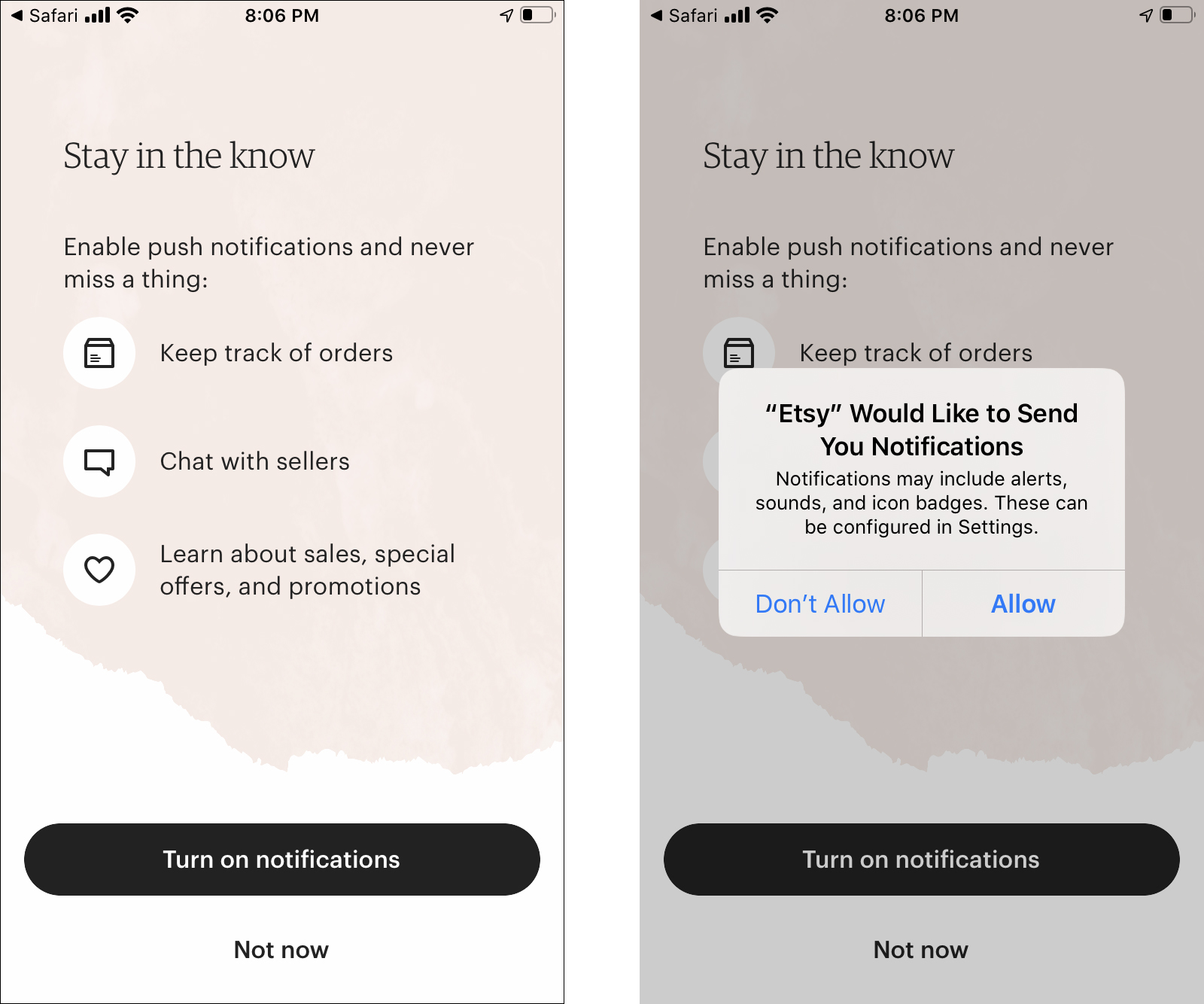
Another good reason, often overlooked when designing primarily for iOS is that the dialog anatomy in iOS permits integrating an explanation, while the Android dialog does not:
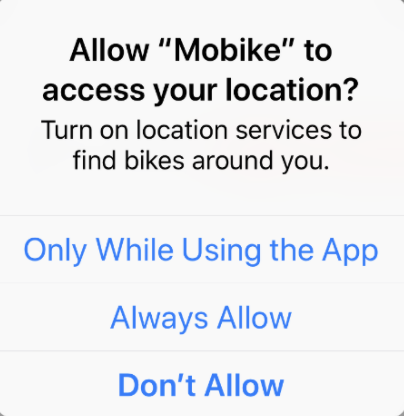
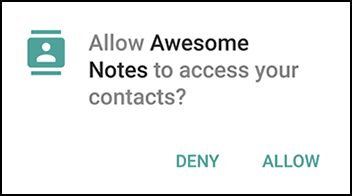
So, if you want your Android users to have a better experience, it is always a good idea to integrate custom permission screens rather than just relying on system dialogs.
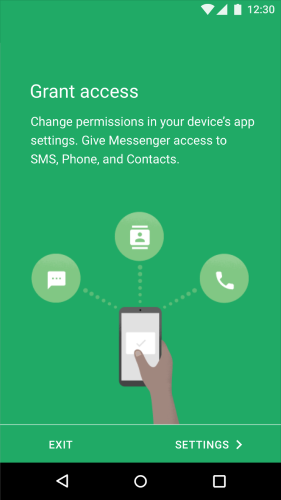
It makes sense to ask users for permissions up front when the app's entire service is based on a feature that requires permission: for example if an app depends on SMS service.
If your app's proper function depends on a permission, users have to get directed to manually turn on that permission:
More human-like experiences.
Why most times this is the best answer.
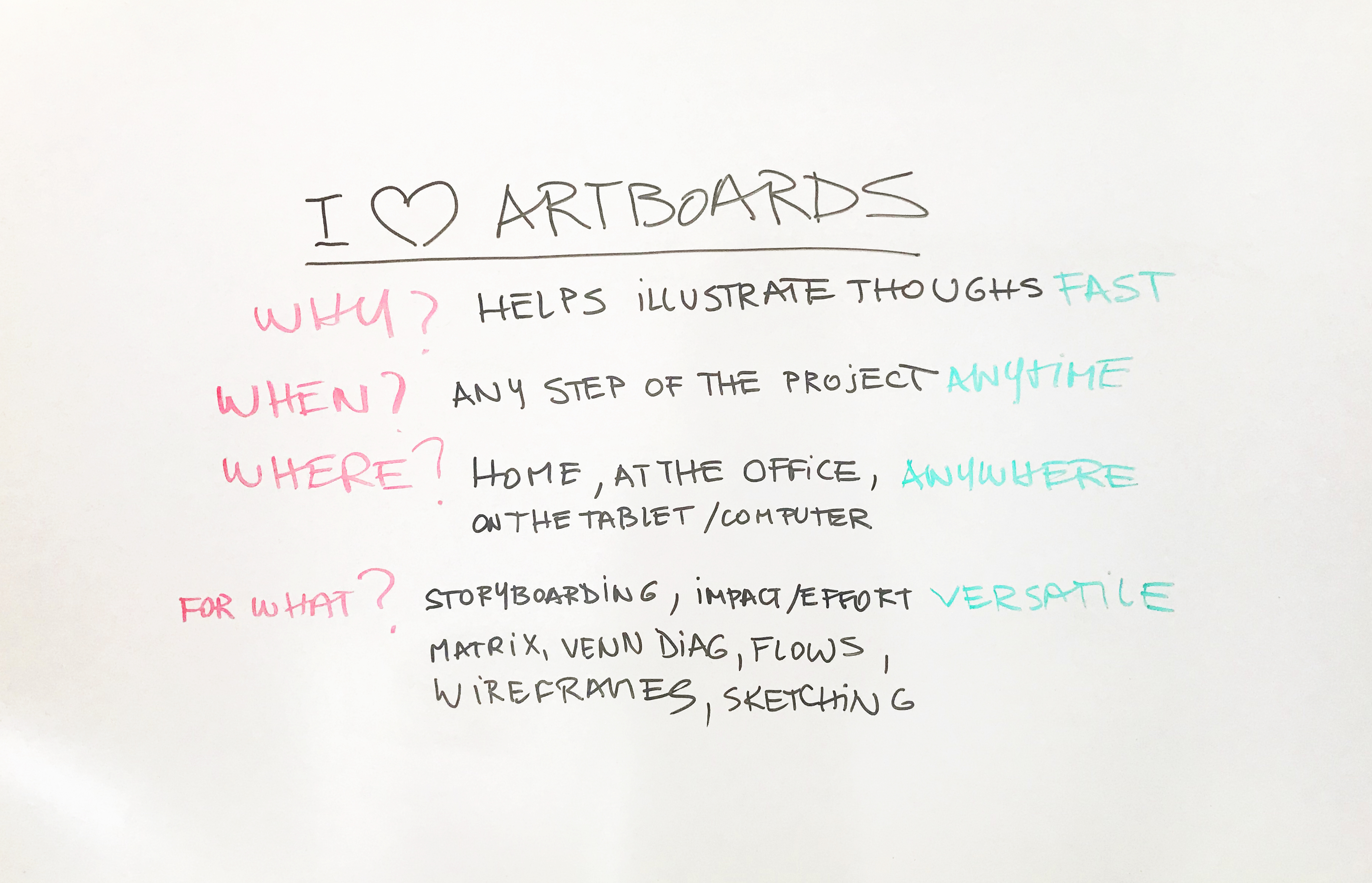
Using a whiteboard is not just an interview challenge.