More human-like experiences.
Since the early 2000s, technology has come a long way from IVRs to more and more complex technology that simulates a more natural type of conversation.
Today, it's not only about automating tasks, but it's also about making more complex and delightful user experiences even if we're talking about multimodal interfaces for your mobile or your smart home system, or why not, Alexa.
With all this being said, it's normal that users want to feel a more human-like experience.
How human? To the point that designs are created with knowledge of both human and system limitations.
In a real conversation, humans use non-verbal cues, like body language, or tone, or eye contact.
Without all these cues, people are unable to measure the time it takes to perform a task.
For example, timeline markers are used for books in the form of page numbers or the form of progress scroll bars for long web pages.
It's mentally comforting knowing how the length and progress of a task.
Here are some examples of timeline marker use:
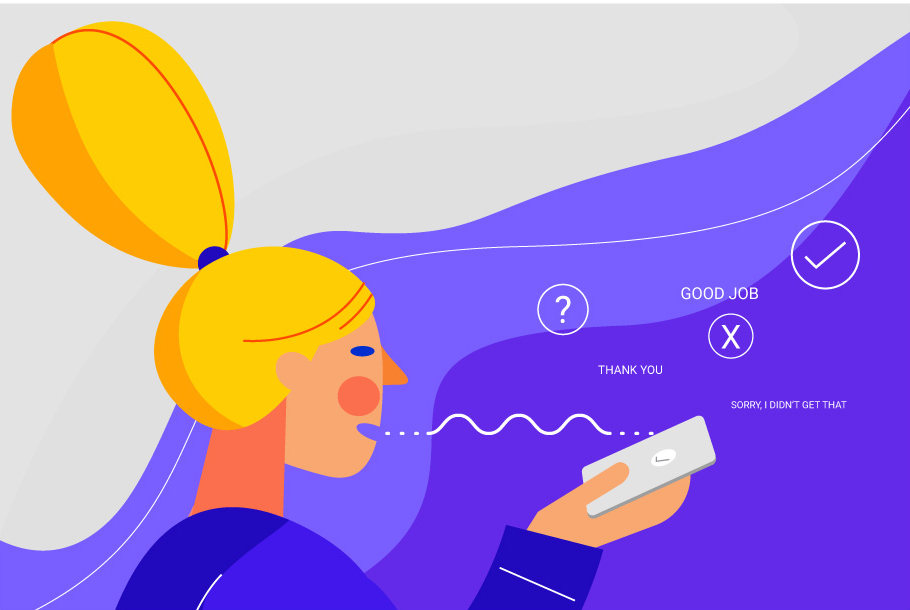
Acknowledgment markers are also used in the GUI in the form of graphic confirmations.
In the case of a VUI they can also have a visual component.
For example, in the Echo's case, the light activates to visually prompt users that the conversation has started.
A common way to build an implicit confirmation is by adding an acknowledgment marker and repeating what the user asked for.
Here are some examples of the use of acknowledgment markers:
We're only human, positive feedback is a snack for our moods and perception of an experience.
We hate being wrong, or making mistakes, we love it when we get recognition for our efforts and achievements.
Here are some examples of positive feedback marker use:
Just like a real conversation, when someone sees the other person going quiet, they will tend to fill in the silence.
Conversations need to move forward and people are programmed to repeat what they just said to get a reaction.
In the digital world, especially for error handling, sometimes the best way to build the conversation is through silence.
Why? Because users will respond to the silence just the way they do in a real conversation.
Errors are common, it just takes some background noise, or a poor pronunciation, or a system error.
Alexa uses this model, would you imagine hearing "I'm sorry, I didn't understand," every time?
It would get annoying very fast.
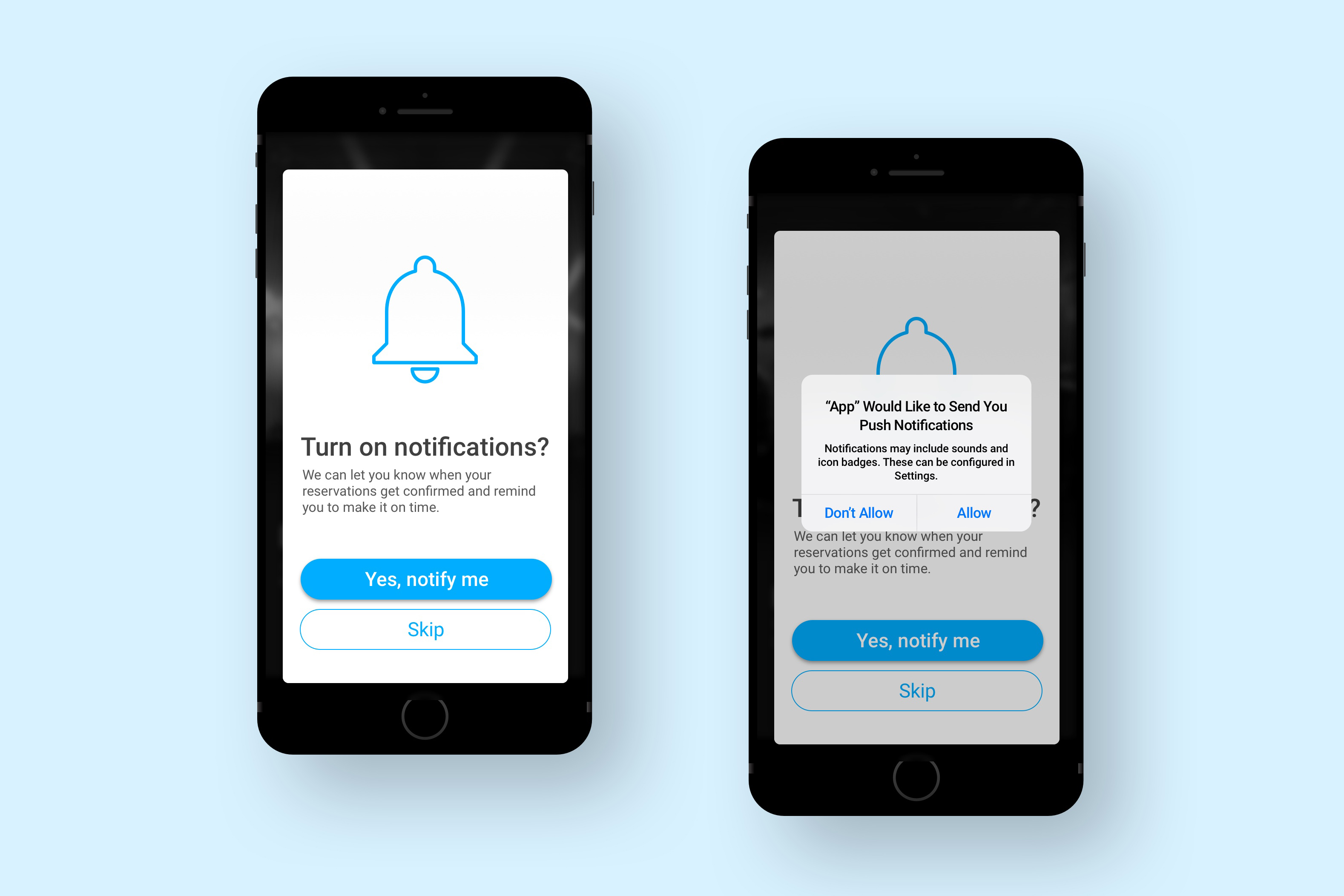
Integrate permission requests in your strategy.
Why most times this is the best answer.
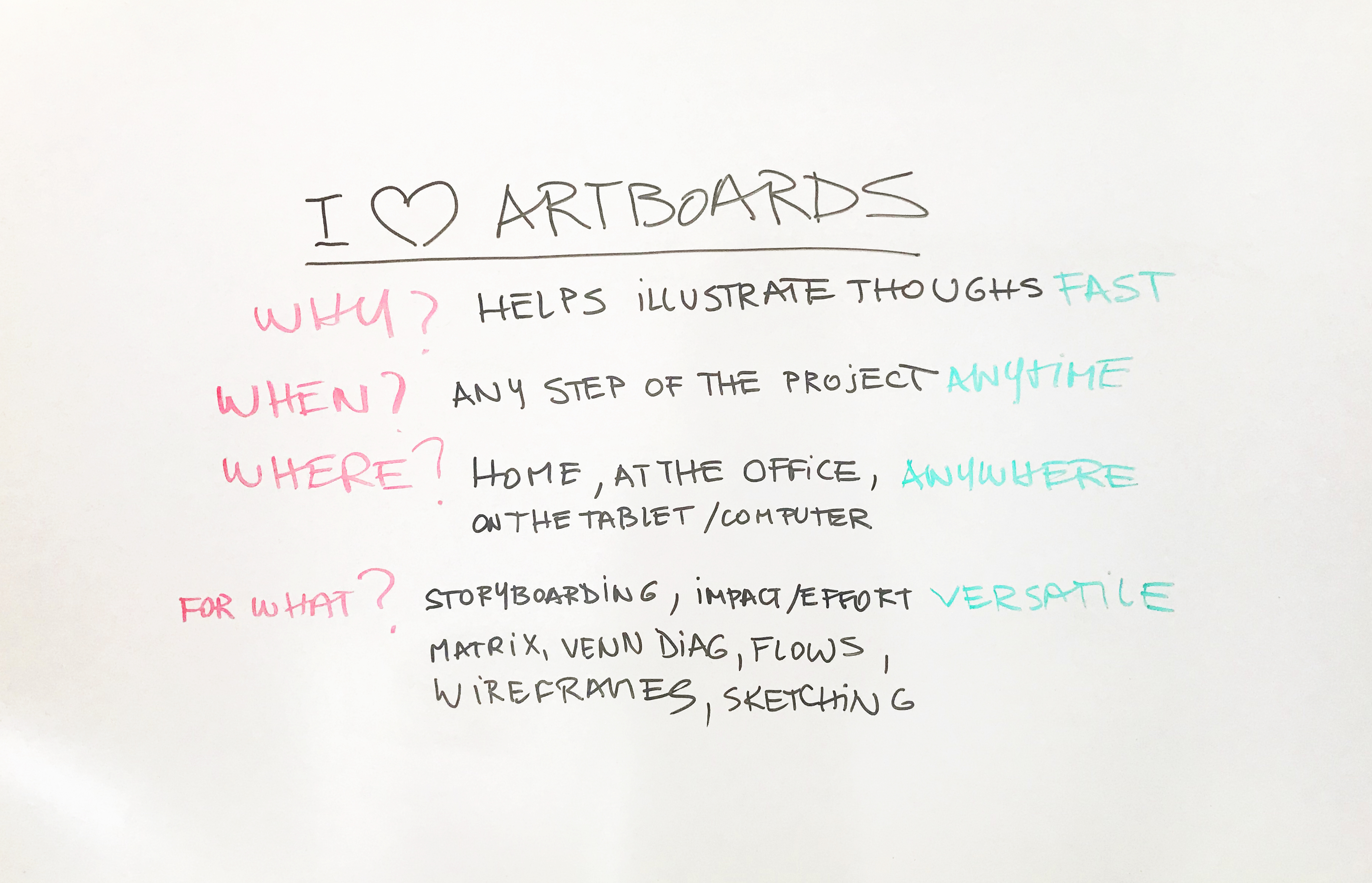
Using a whiteboard is not just an interview challenge.